Built-in Themes
Every theme here ships in the Trellis repository under themes/<name>/ and is ready to configure without
changing its reusable source: Arbor, Folio and Lattice for documentation; Bloom and Meadow for product
landing pages; Verdant for blogs. Compare the designs below, then follow a theme's README for a complete
example.
Install one by naming it:
trellis theme add https://github.com/tolo/trellis --theme lattice --ref v0.13.0
The --theme selector requires Trellis CLI 0.11.0 or later.
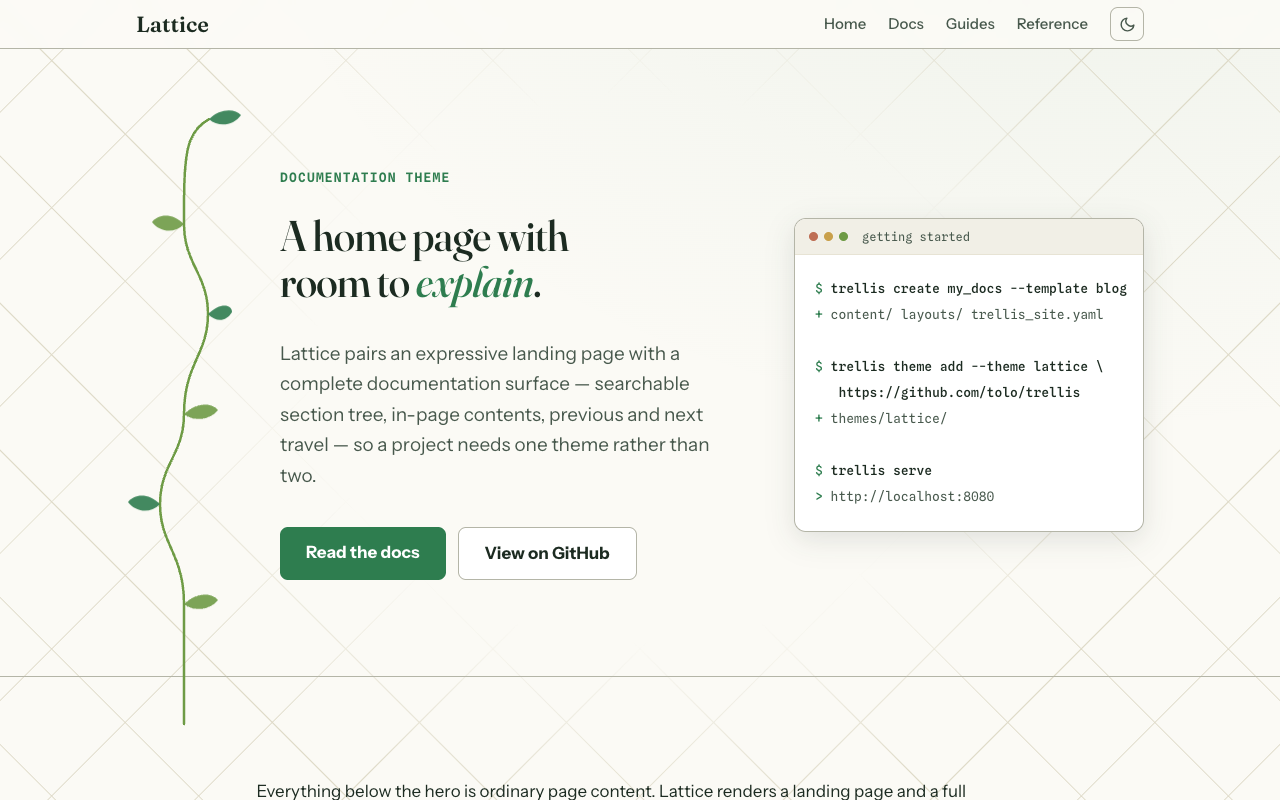
That copies themes/lattice/ into your site's themes/ and sets theme: lattice in trellis_site.yaml –
the line each card shows below. See trellis theme add for pinning with
--ref and for installing a theme from your own repository.
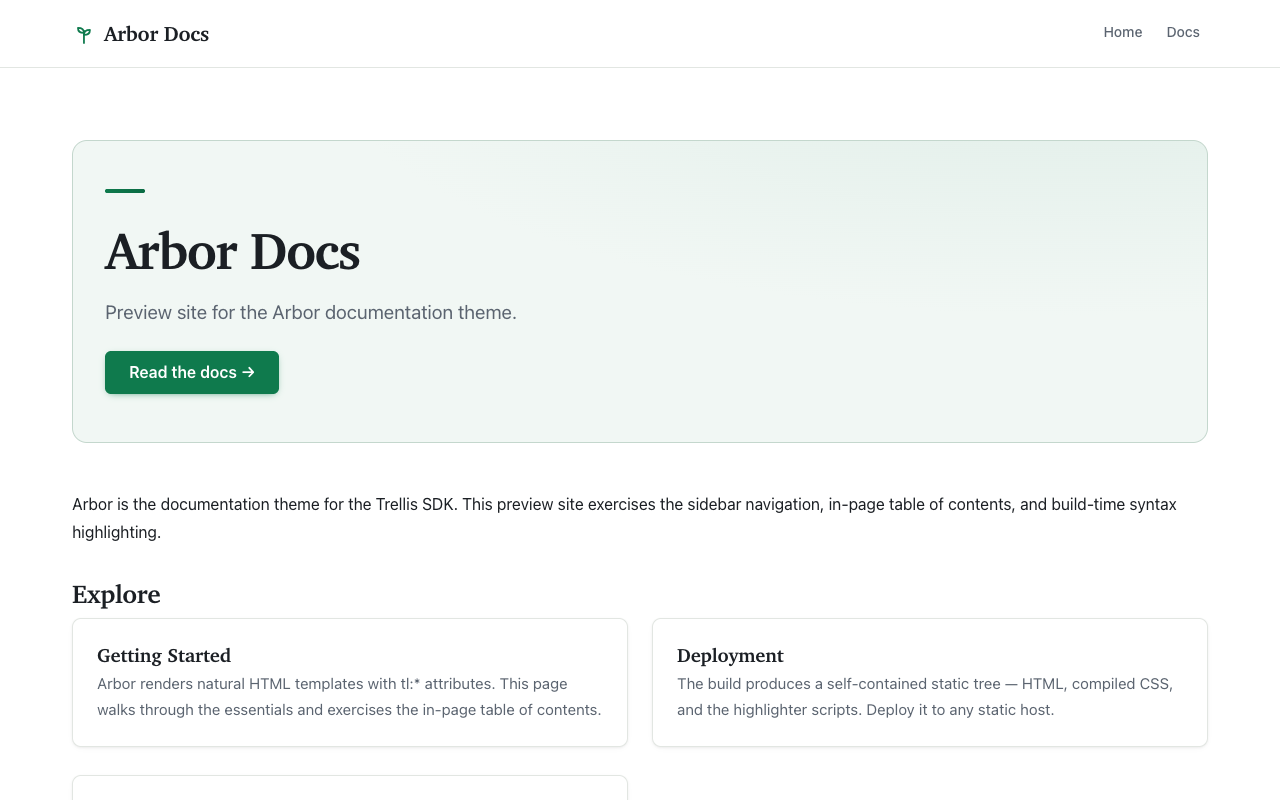
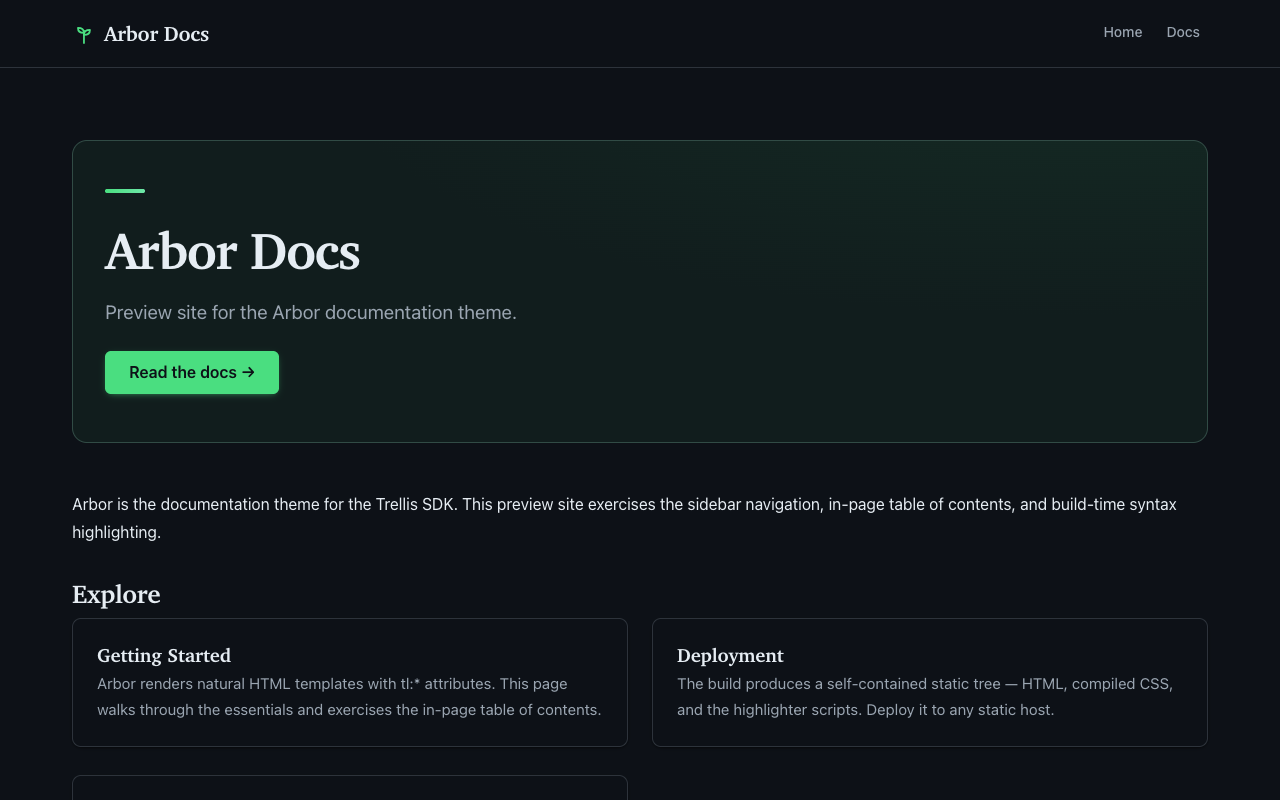
docs
arbor
A documentation theme for Trellis. Hierarchical sidebar navigation, in-page table of contents, prev/next links, and build-time syntax highlighting: the SSG bakes the highlight spans into the HTML, so no highlighter JavaScript is shipped. Fully readable with JavaScript disabled.
landing
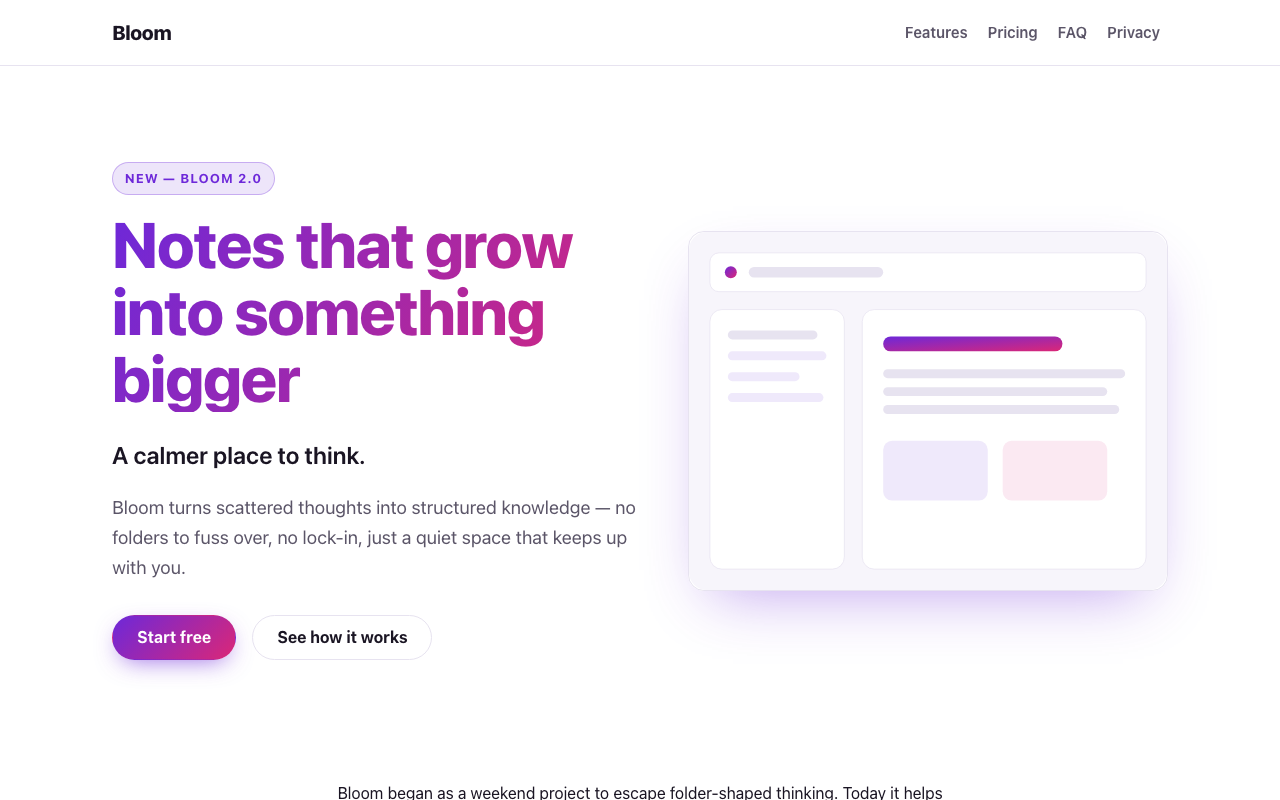
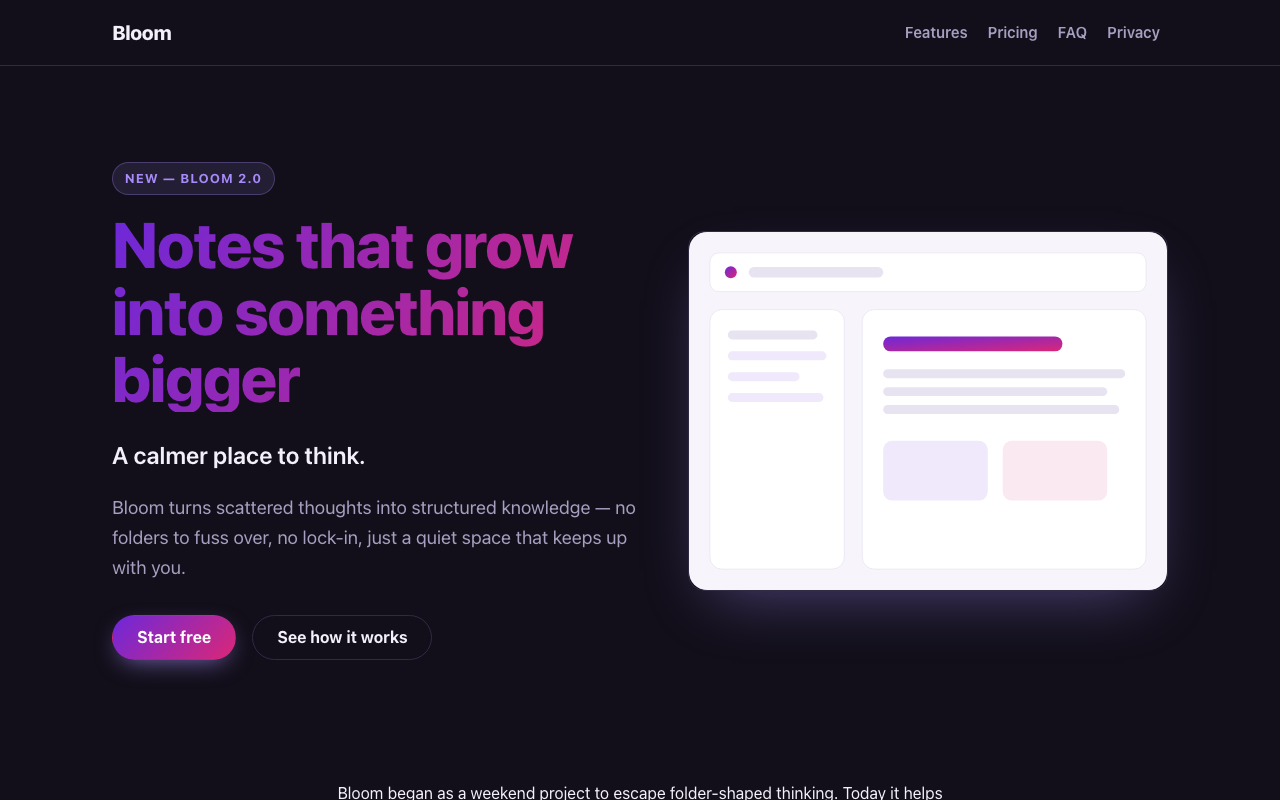
bloom
A bold landing/marketing page theme for products and apps
docs
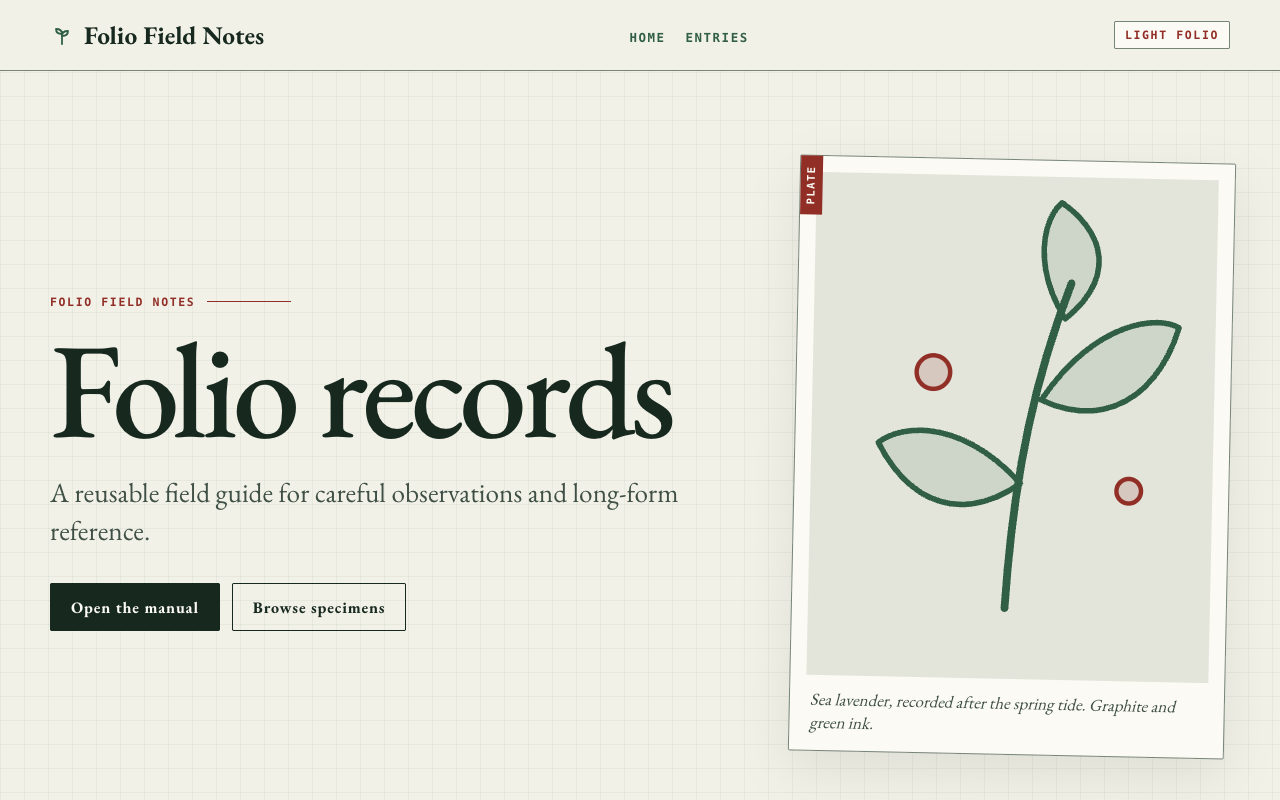
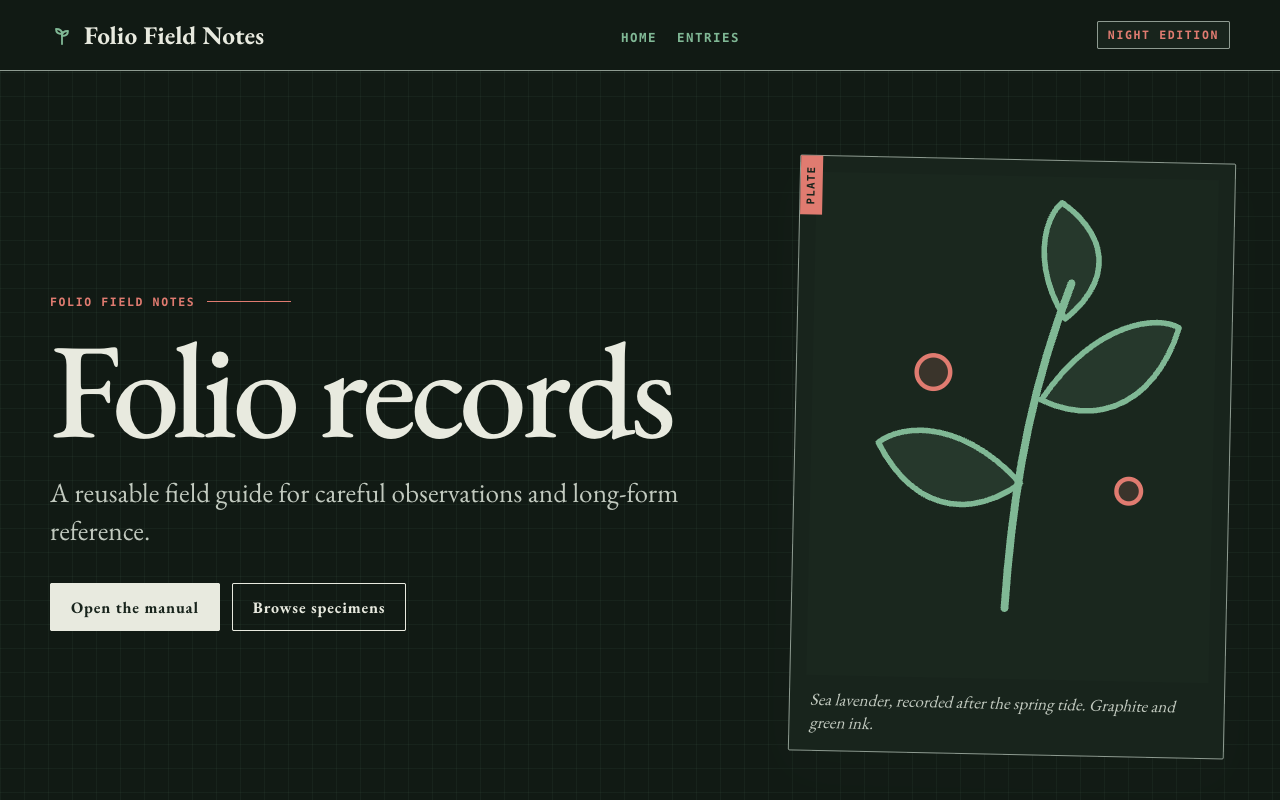
folio
A bookish field-guide documentation theme with semantic figures and sidenotes.
docs
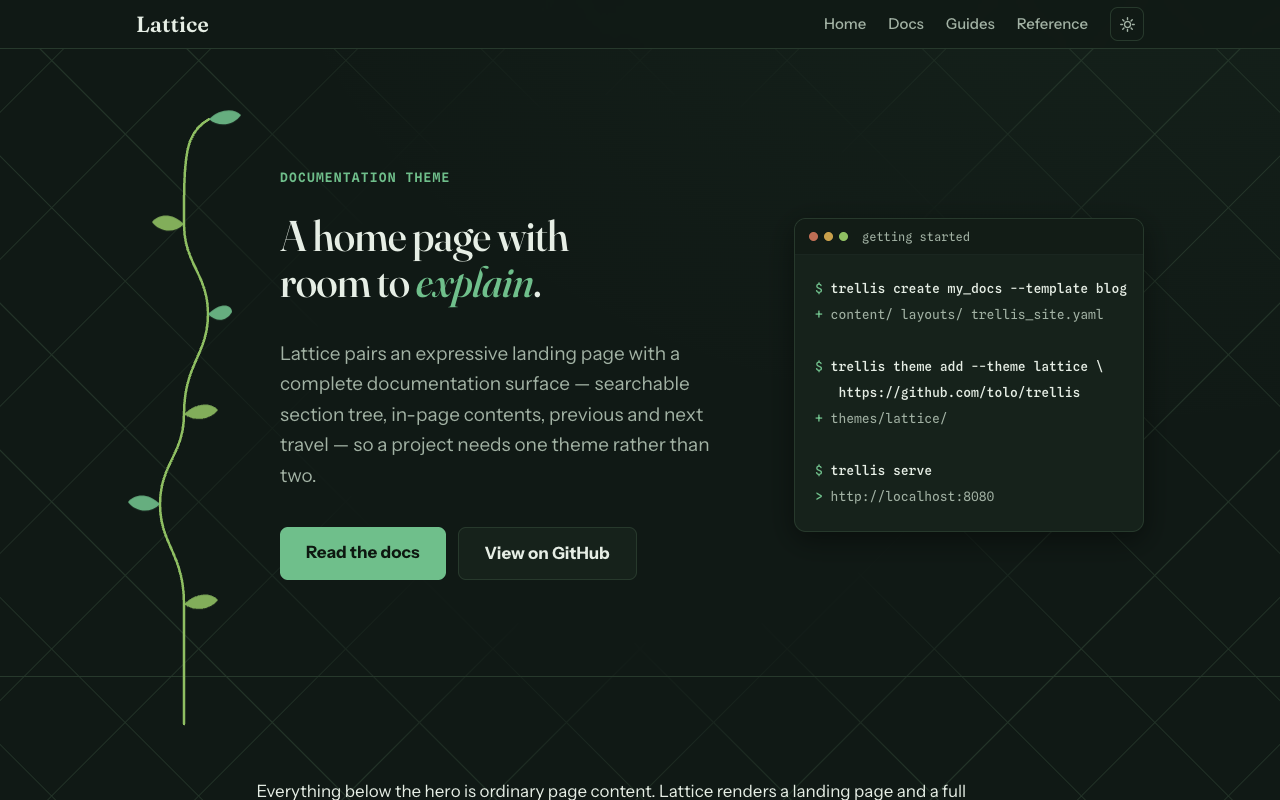
lattice
A garden-inspired documentation theme with an expressive home page and complete docs navigation.
landing
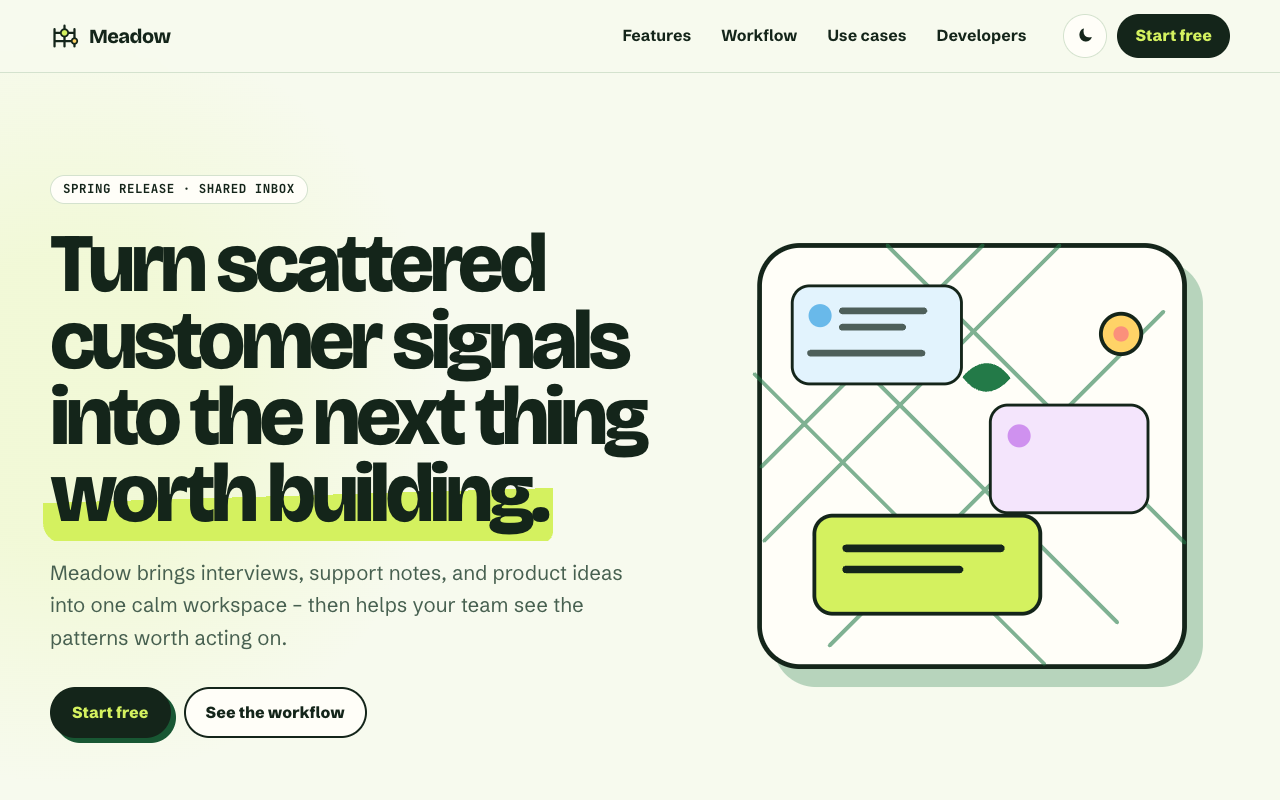
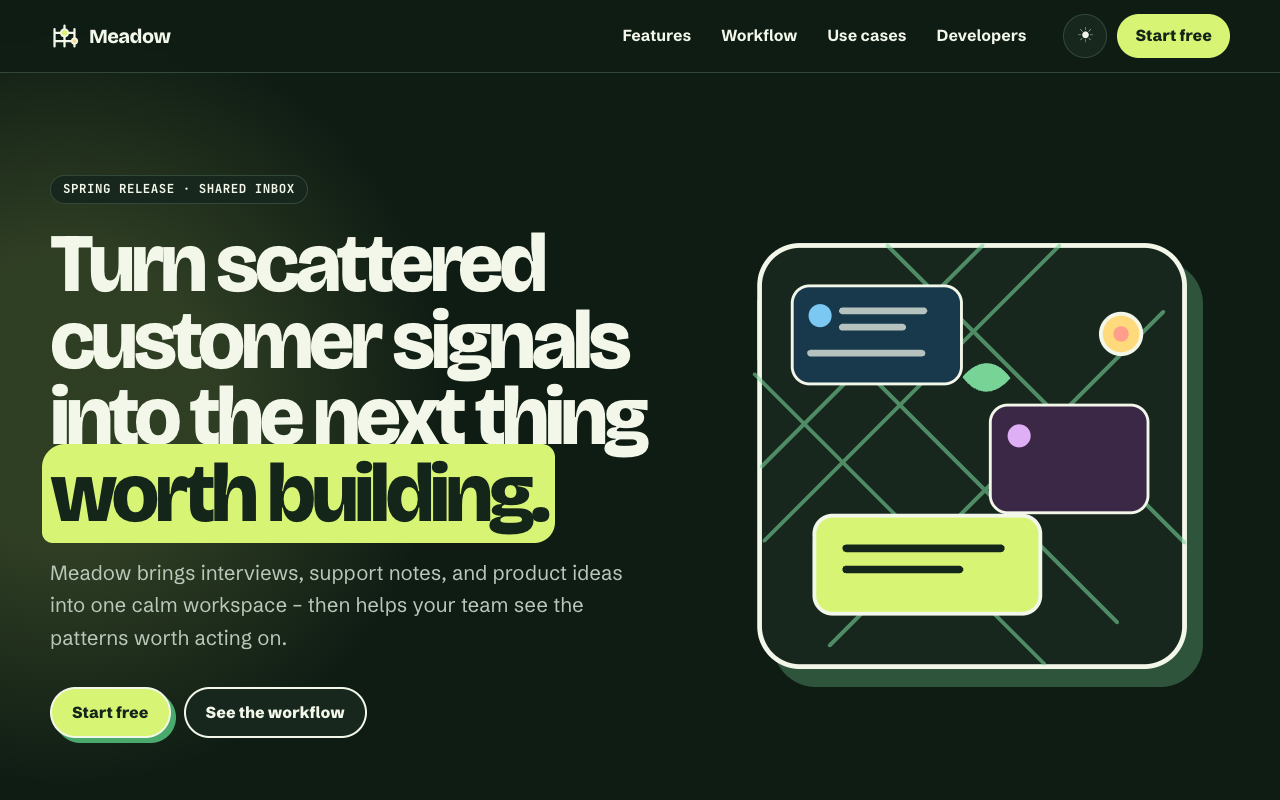
meadow
A fresh, energetic product-landing theme with content-driven sections.
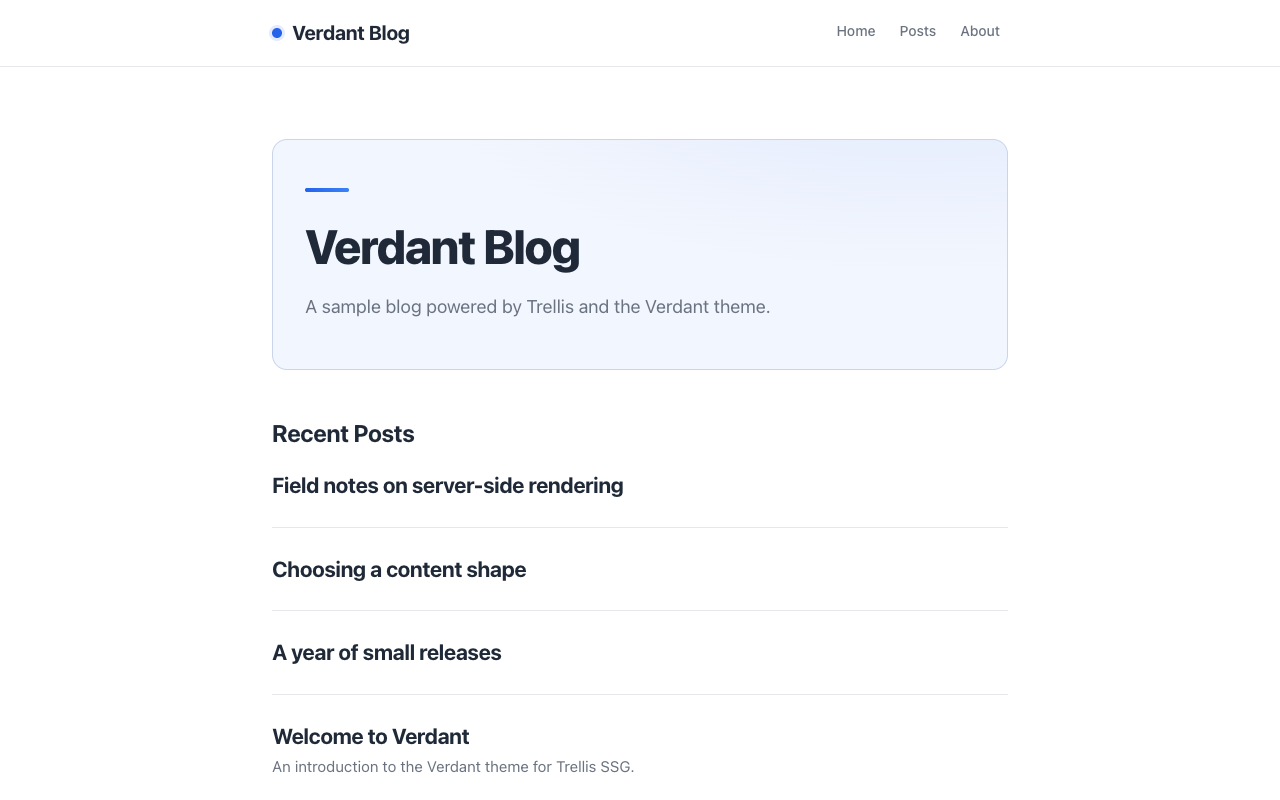
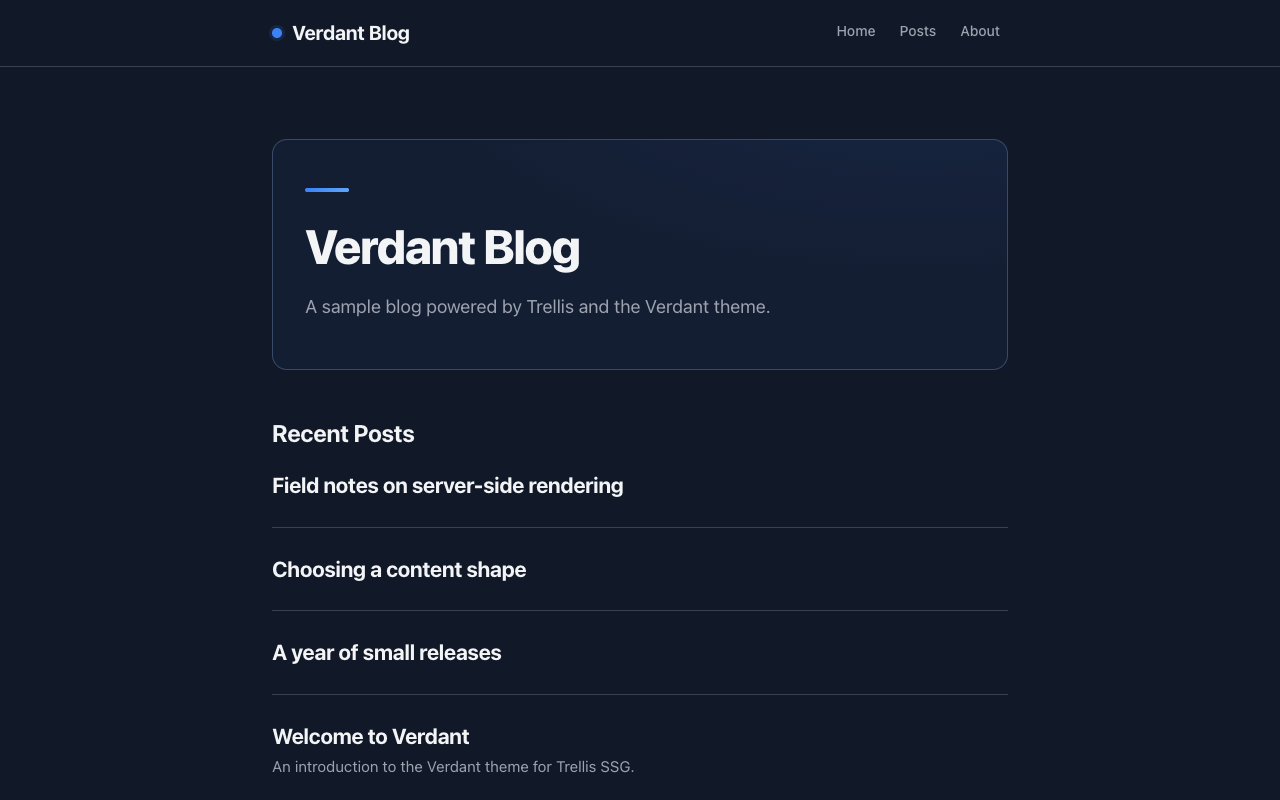
blog
verdant
A minimal, accessible blog theme for Trellis. Content-first design with three color skins, responsive layout, and full keyboard navigation.